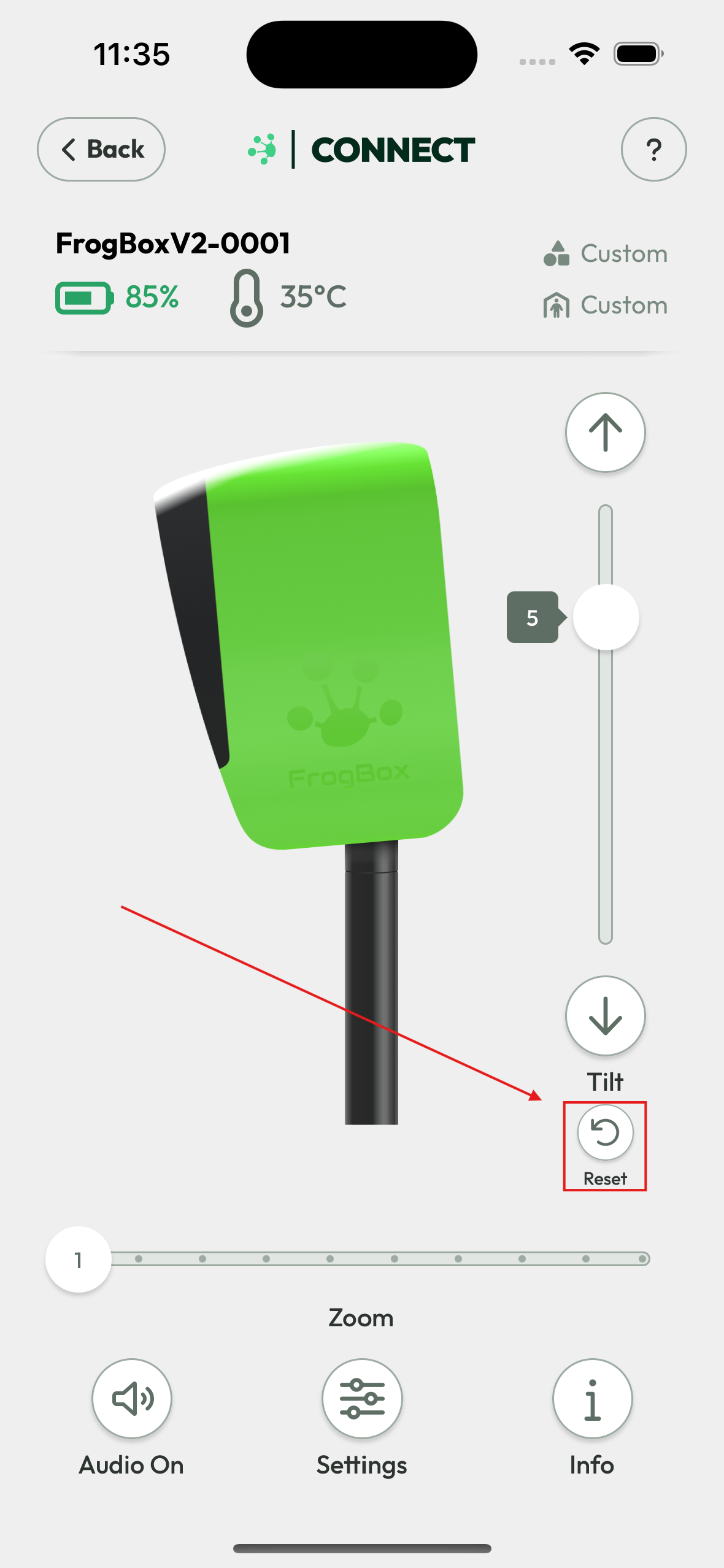
If the tilt control feature in the FrogBox Connect app isn’t responding because the camera has been forced downward, gently apply pressure to the camera visor while pressing the Reset button. This will help return the camera to its neutral (no-tilt) position.
1. Gently apply pressure to the camera visor.
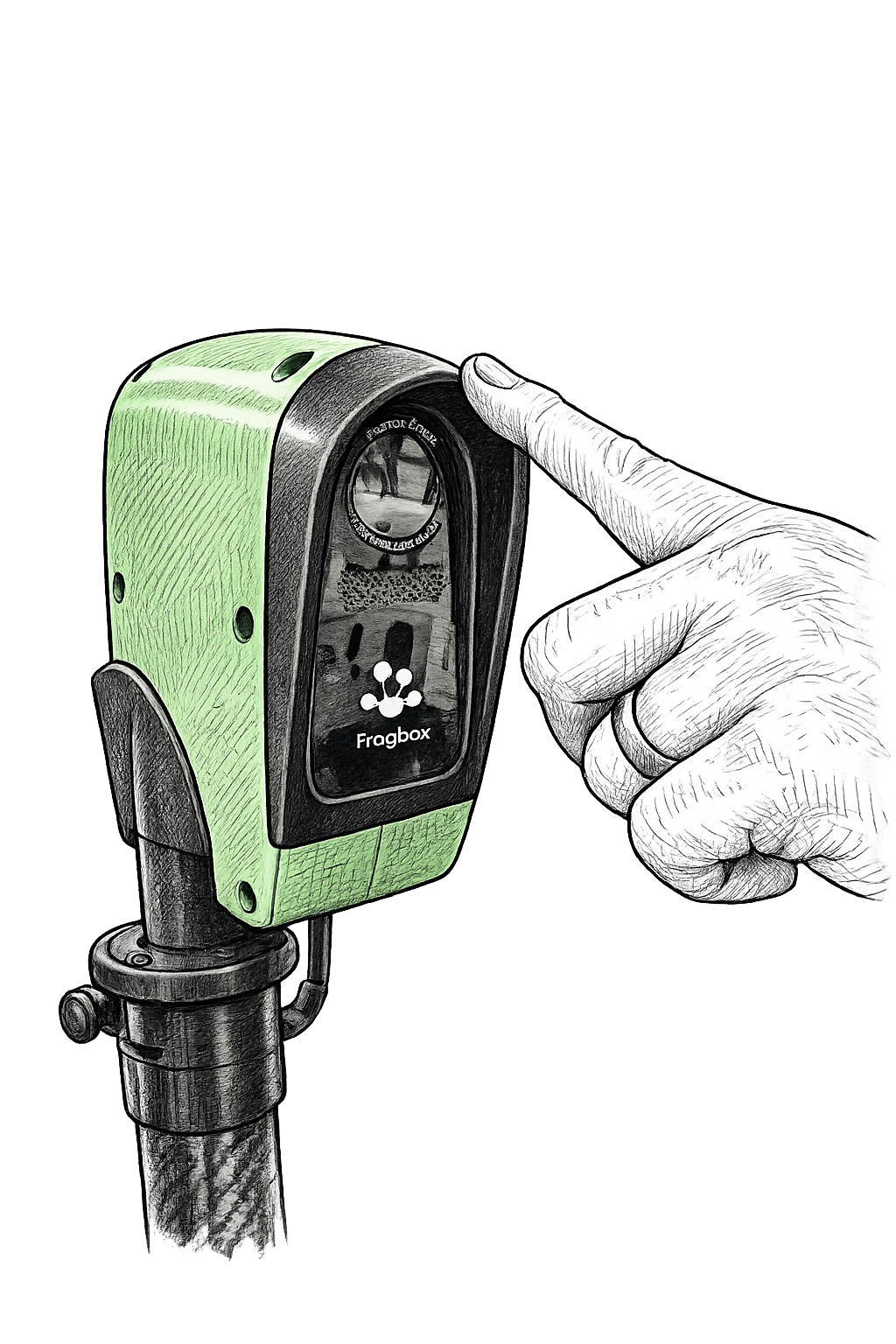
2. While applying the pressure, press the reset button on the FrogBox Connect app.