
Lilypad now supports extended match video exports making it easier than ever to generate longer match exports to post to your socials.
To download your exports:
Step 1: Head to the Matches page

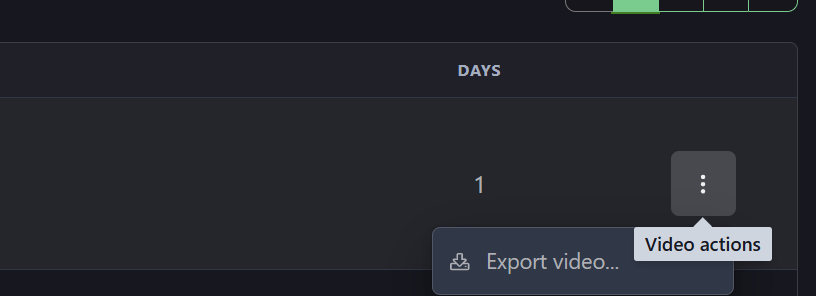
Step 2: Click on the 3 dot icon next to the applicable match and click 'Export Video'
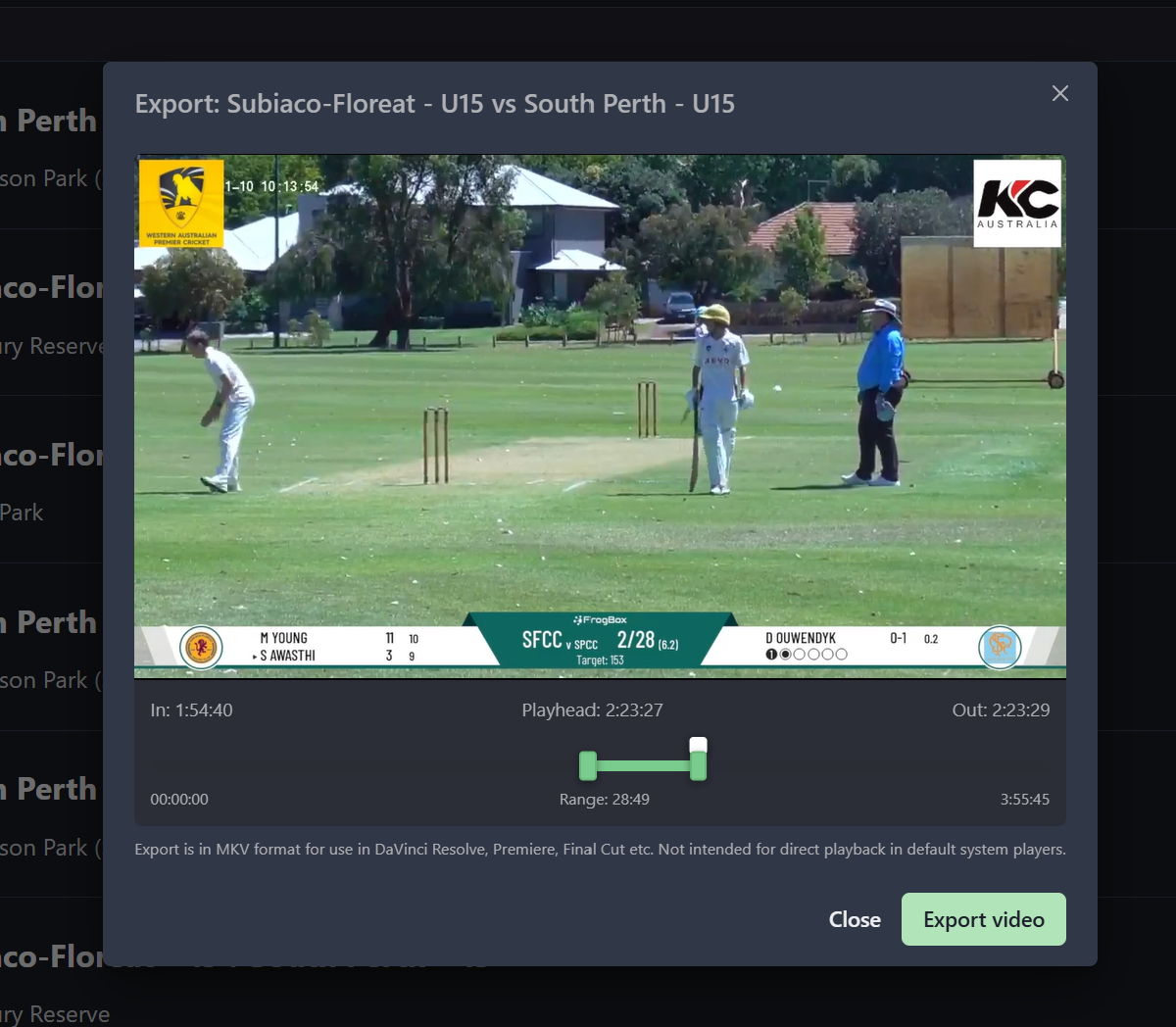
Step 3: Use the scroll bar to select the range of the export and click 'Export Video'
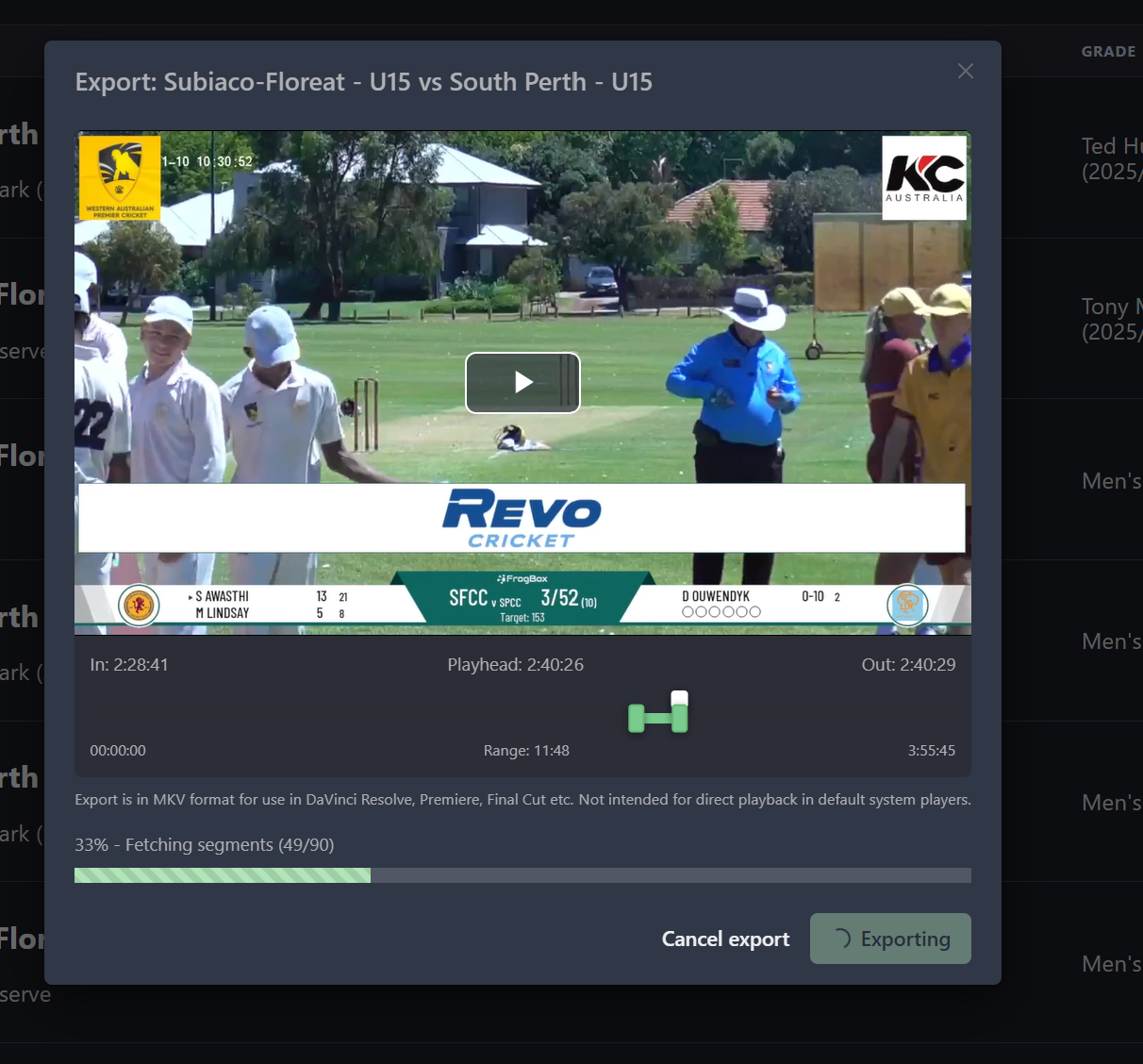
Step 4: After saving the file to your computer wait for the export to finish within Lilypad
Step 5: When the export has finished click 'Done'
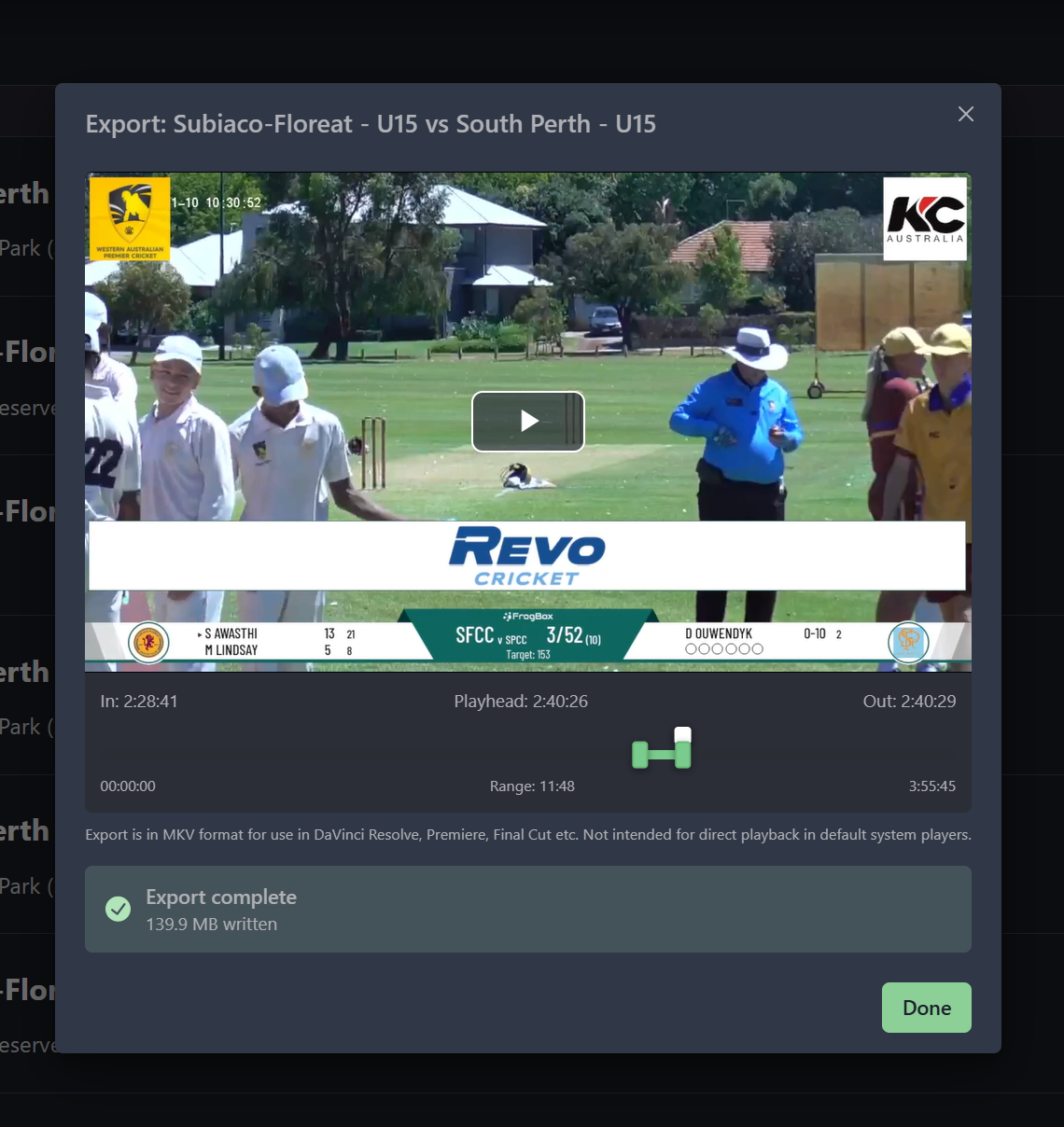
Step 6: You can now use the file downloaded to your computer for your own use