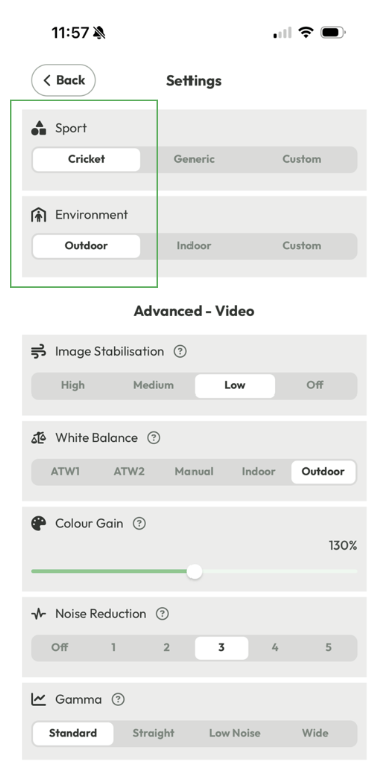
Before streaming, it is important that you update your FrogBox Connect app and install the latest firmware. We also recommend you select the Cricket and Outdoor profile vision settings in FrogBox Connect to ensure optimal vision for outdoor streams.
Update FrogBox Connect app
Step 1: Go to your app store and press Update (if prompted to by your app store)
Install Latest Firmware
Step 2: Pair your phone/tablet with your camera
Step 3: Go to the FrogBox Connect app.
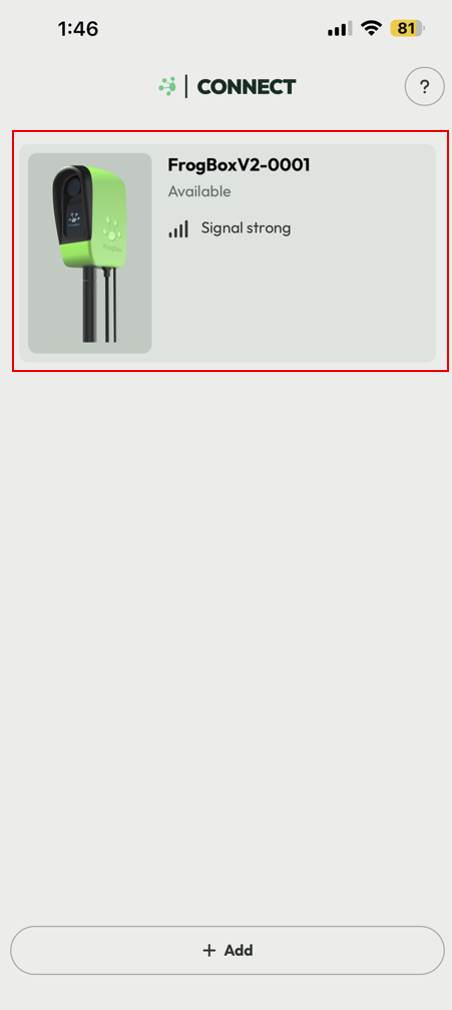
Step 4: Click on your Camera
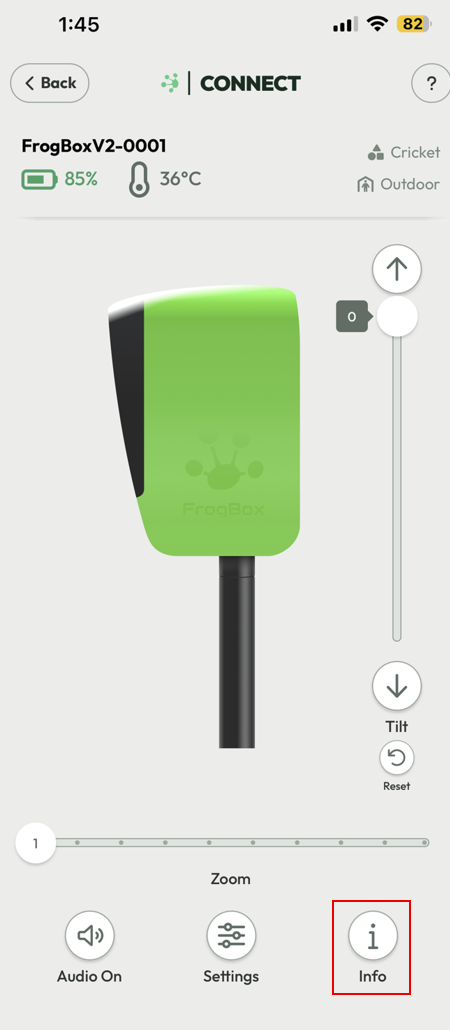
Step 5: Click on the Info button
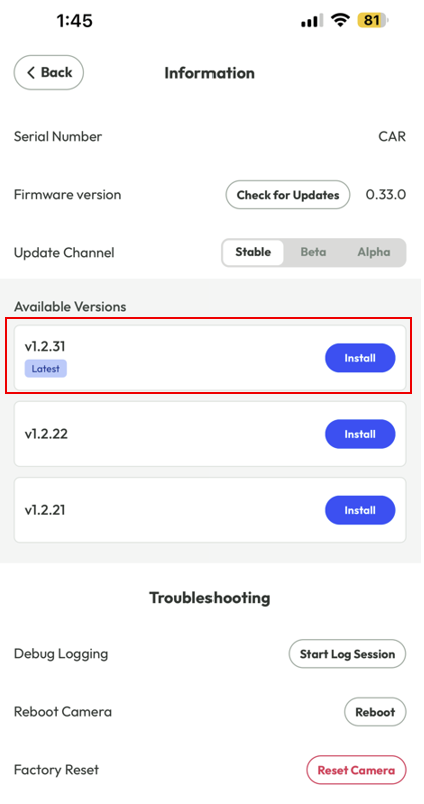
Step 6: Click Install on the Latest Available Version (if prompted to). It will take a few minutes for the install to complete
Step 7: Re-pair your phone/tablet with your camera if required to
Select Outdoor Cricket Vision Profiles
Step 9: Click Settings.
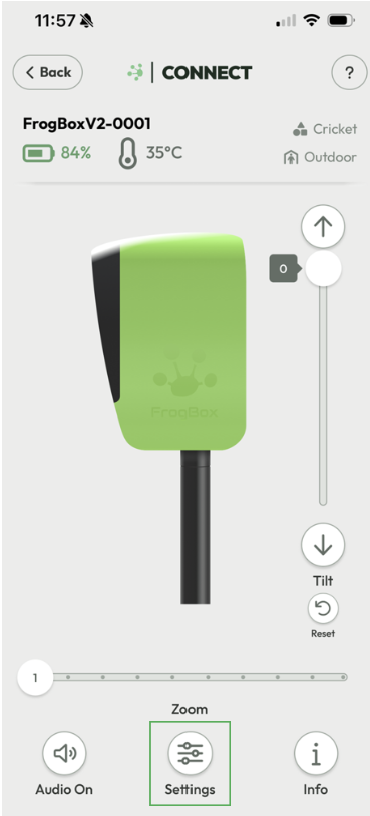
Step 10: Select the Cricket and Outdoor vision profile settings. Once selected, these will apply to all future streams by default. Ignore this step if these profiles are already selected.