
In order to live stream on your YouTube channel, you will need to first enable it. You need to have no live streaming restrictions in the past 90 days, and you need to verify your channel. We recommend using a computer.
How to Verify Your Channel
STEP ONE
Go to YouTube and ensure you are logged in as the channel owner.
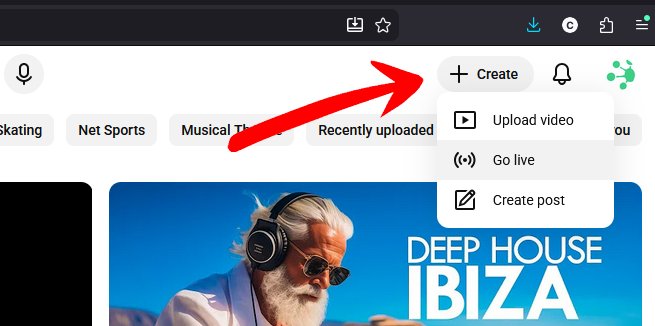
Navigate to the Create button in the top right, and select Go Live.
STEP TWO
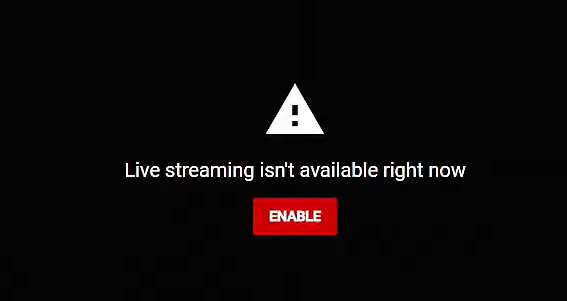
Note the message confirming "Live streaming isn't available right now", and click the Enable button.
STEP THREE
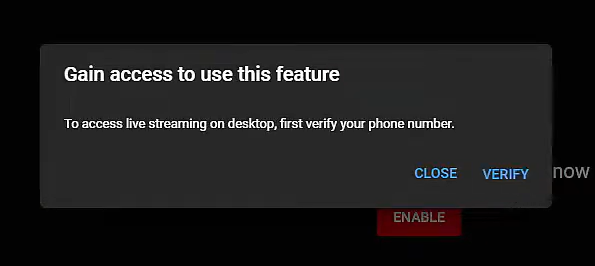
Have a mobile phone to hand, and select the Verify button.
STEP FOUR
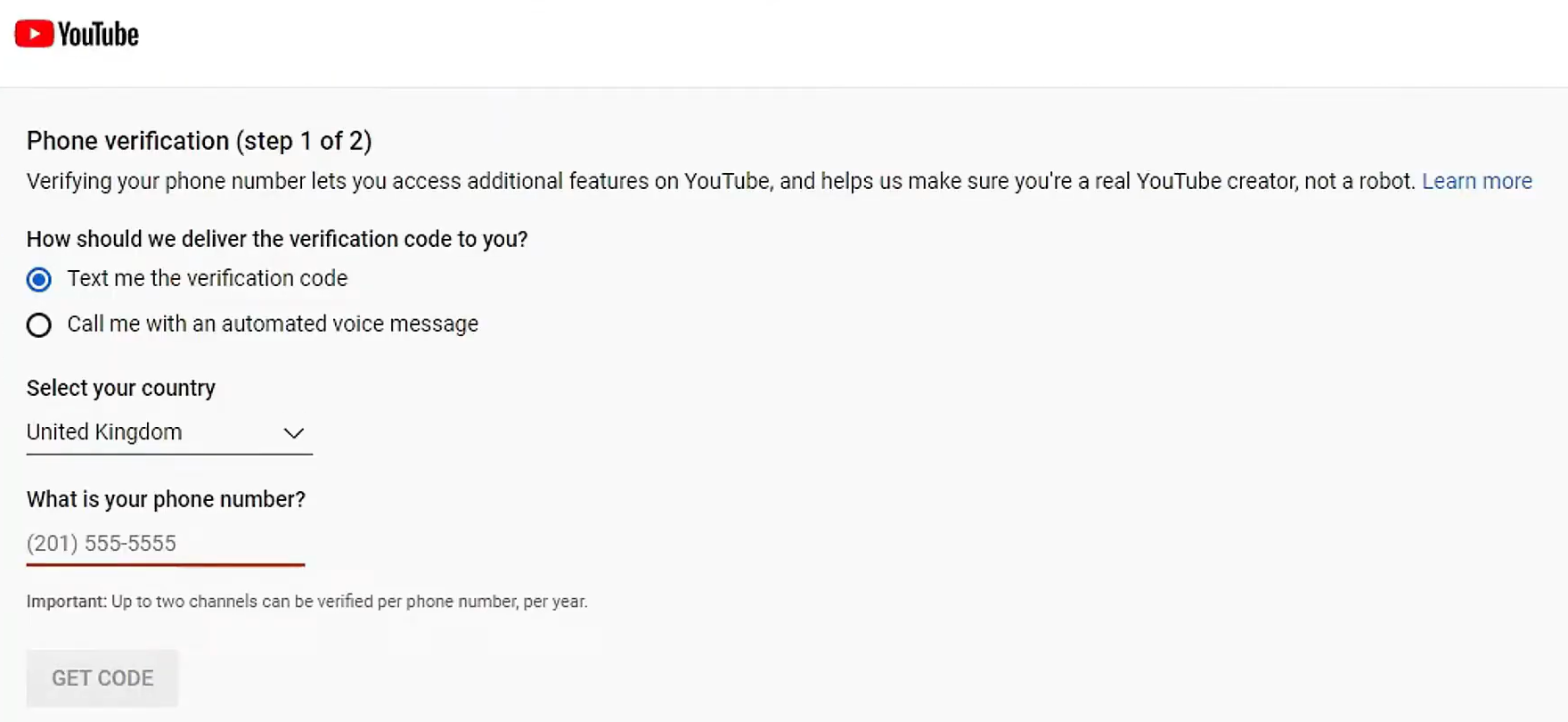
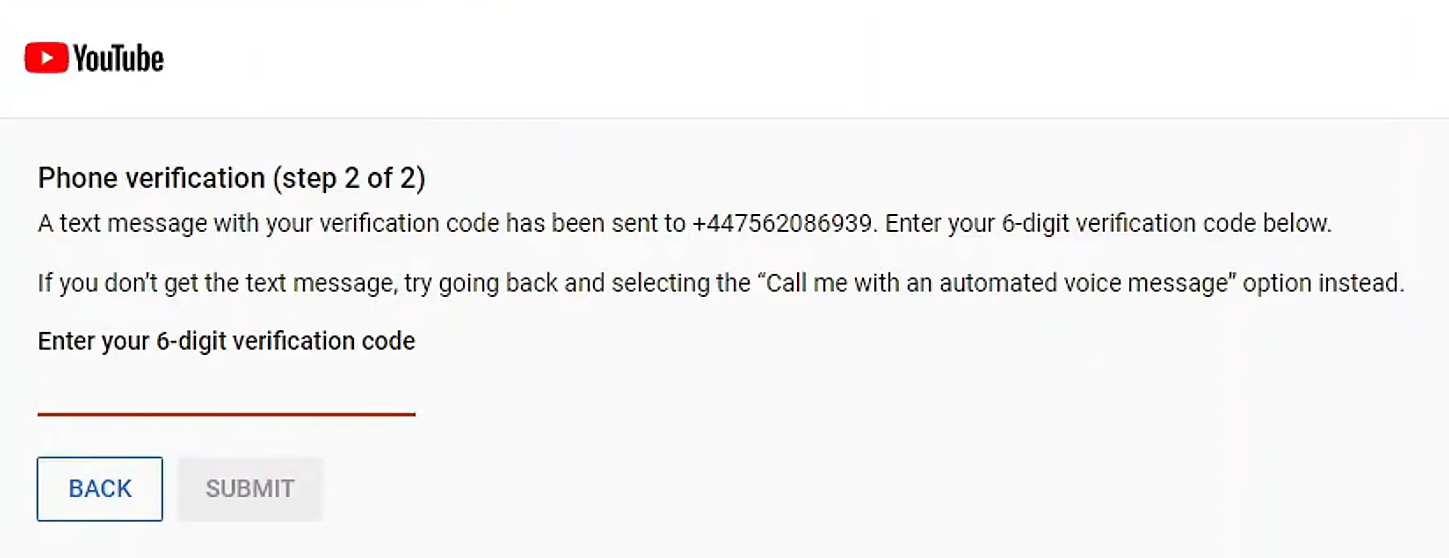
Enter your phone number, and confirm with the supplied six digit code once it arrives.
STEP FIVE
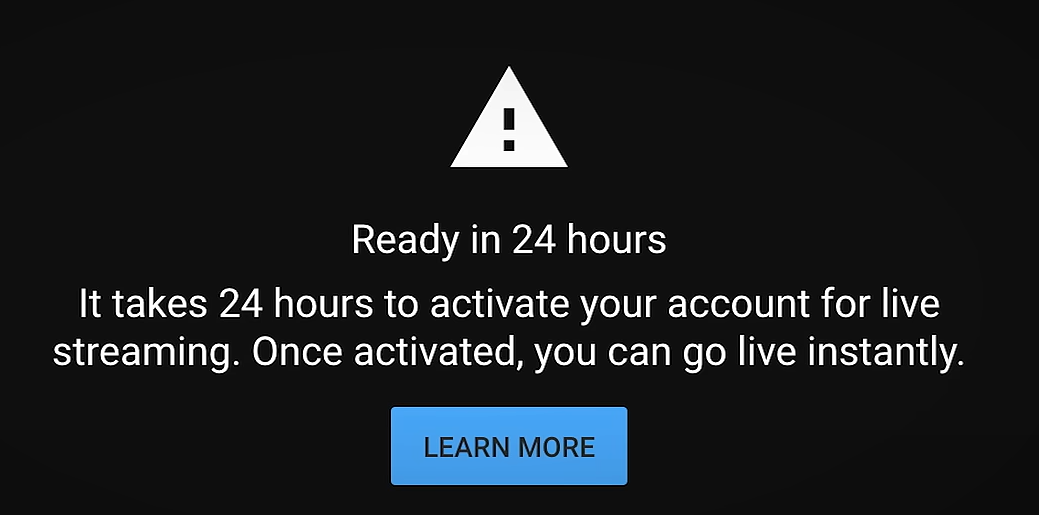
Once confirmed, there is a mandatory 24-hour wait until you can live stream.
When live streaming is enabled, you will now be able to link your channel to your FrogBox Go account, and start scheduling streams.