
Step 1: Schedule your matches in FrogBox Go as per usual.
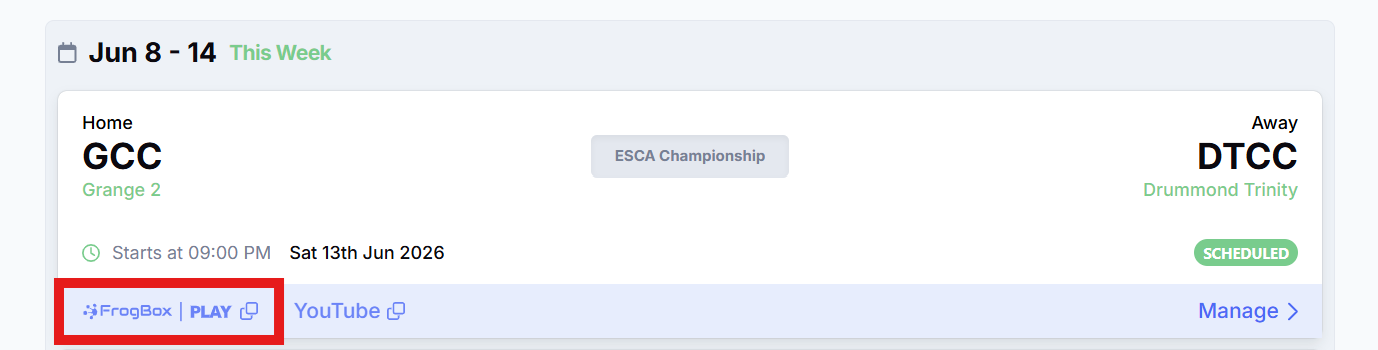
Step 2: Go to the Scheduled Stream and copy the FrogBox Play link that is unique to that stream. Share that link via your usual channels, including:
- WhatsApp groups
- Club social media pages
- Team chats
- Club websites
- Newsletters

Step 3: Once your viewers has received the FrogBox Play live stream link, they can watch the live stream in the app or on any web browser. Your viewers can watch the replay via the same FrogBox Play link or under Recent Streams on your club's Club Channel.
How to access FrogBox Play
You can access FrogBox Play here for free.
Important Note for PHQ Users
For clubs using the PHQ competition management system, FrogBox Play live streams will become available 7 days after the scheduled match date. Supporters can continue to watch matches live on YouTube during this period. This only affects matches managed through PHQ and does not impact other competition management systems.