
Your club now has its own dedicated Club Channel in FrogBox Play, available in the FrogBox Play app and now on the web too.
Your Club Channel gives players, families, supporters and fans one place to find your FrogBox content, including upcoming live streams, live matches, full match replays, highlights and more.
It gives your club a destination you can promote throughout the season, whether you are linking from your website, sharing through social media or group chats or directing supporters there on match day.
Your club’s home in FrogBox Play
Every club now has its own public Club Channel in FrogBox Play, bringing your FrogBox content together in one place.
From your Club Channel, supporters can:
see upcoming live streams
watch matches live
return to full match replays
discover highlights and other match content
follow your club to make it easier to keep up with your content throughout the season
Your FrogBox Play Channel gives your club a dedicated destination for its content.
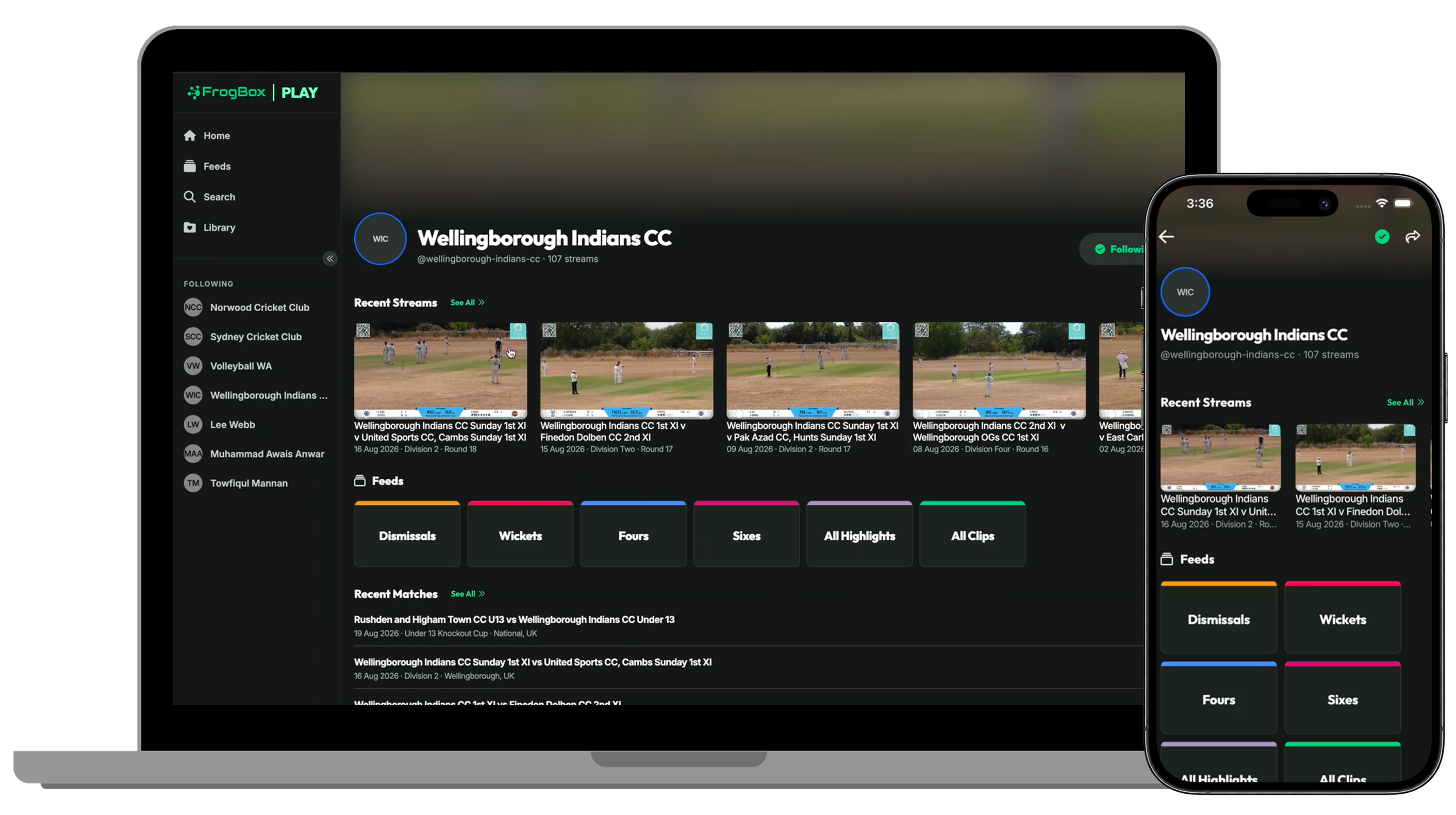
Now available on web and app
FrogBox Play is now available on the web as well as through the FrogBox Play app.
This makes it easier to share your Club Channel directly from your club website, social media, group chats, newsletters and other communications, while giving supporters the choice of how they watch.
Simply share your Club Channel link and your community can access your upcoming streams, live matches, replays and highlights from their web browser.
Here's how: How to share your Club Channel link for FrogBox Play
Live streams and replays are now available in FrogBox Play
Your club’s live streams and full match replays can now be watched directly in FrogBox Play. Matches also have their own Match Card, bringing the live stream, replay and highlights from that match together in one place.
Live streams and replays will continue to be available on YouTube, with your FrogBox Play Club Channel providing an additional destination built specifically around your club, your matches and your FrogBox content.
More info here: Live streams now available in FrogBox Play
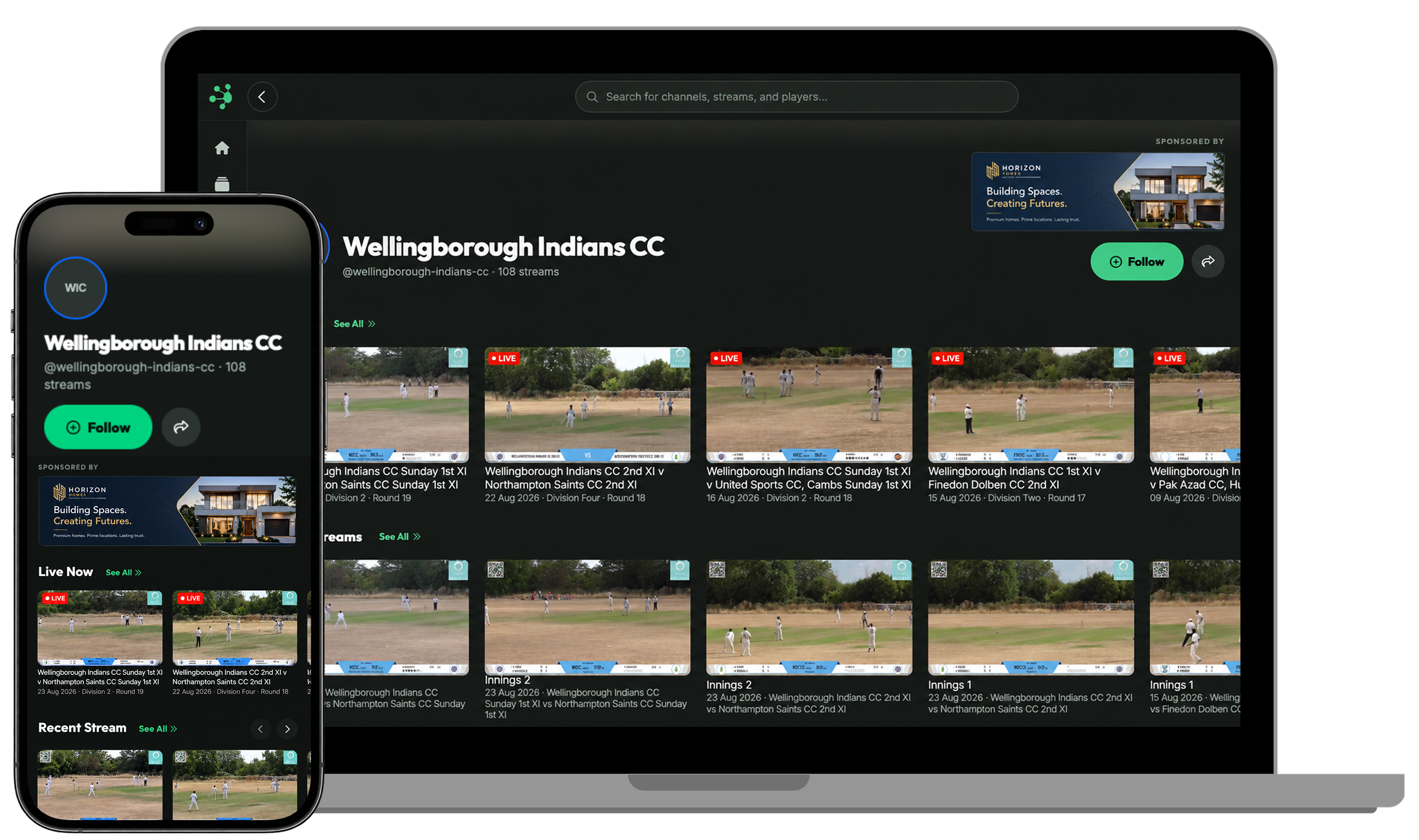
A new place to showcase your sponsors
Your FrogBox Play Club Channel also creates another opportunity to recognise a sponsor supporting your club.
Club branding and a sponsor asset can be displayed alongside your Club Channel and content, helping sponsors gain visibility with the players, families and supporters engaging with your FrogBox coverage.
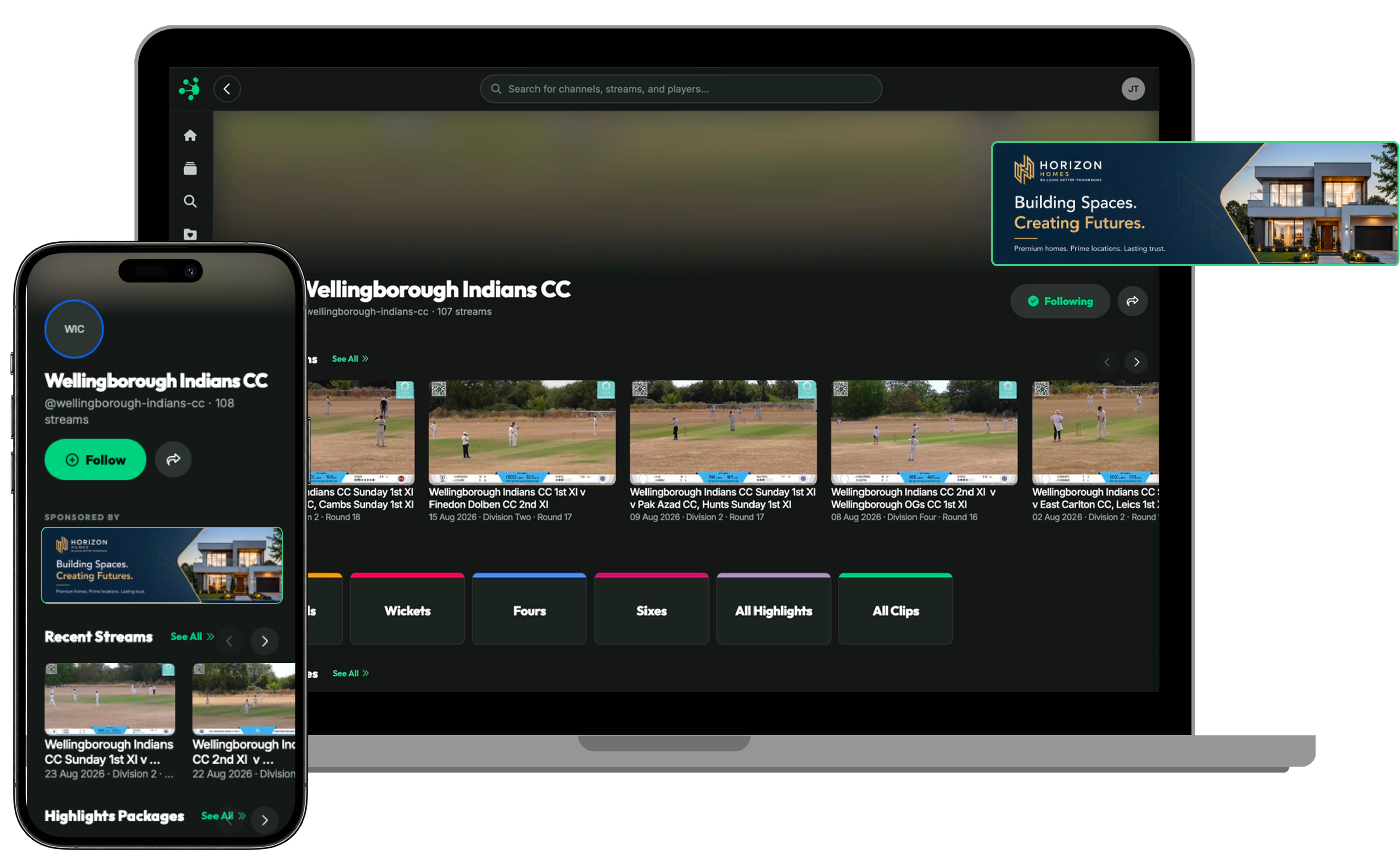
Get your Club Channel ready to share
Head to your Club Channel settings in FrogBox Go to customise your Channel, add your sponsor and access the link to share with your community.
Once you are ready, add your Channel link to your club website, social media, group chats and other communications, and encourage your players, families and supporters to follow your club in FrogBox Play.
Here's how: How to set up your Club Channel in FrogBox Play
Download FrogBox Play
Download FrogBox Play for FREE here: https://play.frogbox.live/