This article explains what to do if the tilt in your camera is not working as expected.
Clubs should use the FrogBox Connect app to adjust the tilt and zoom for their camera via bluetooth. Clubs should be careful not to press or push the camera manually as this may damage the tilt head within the camera.
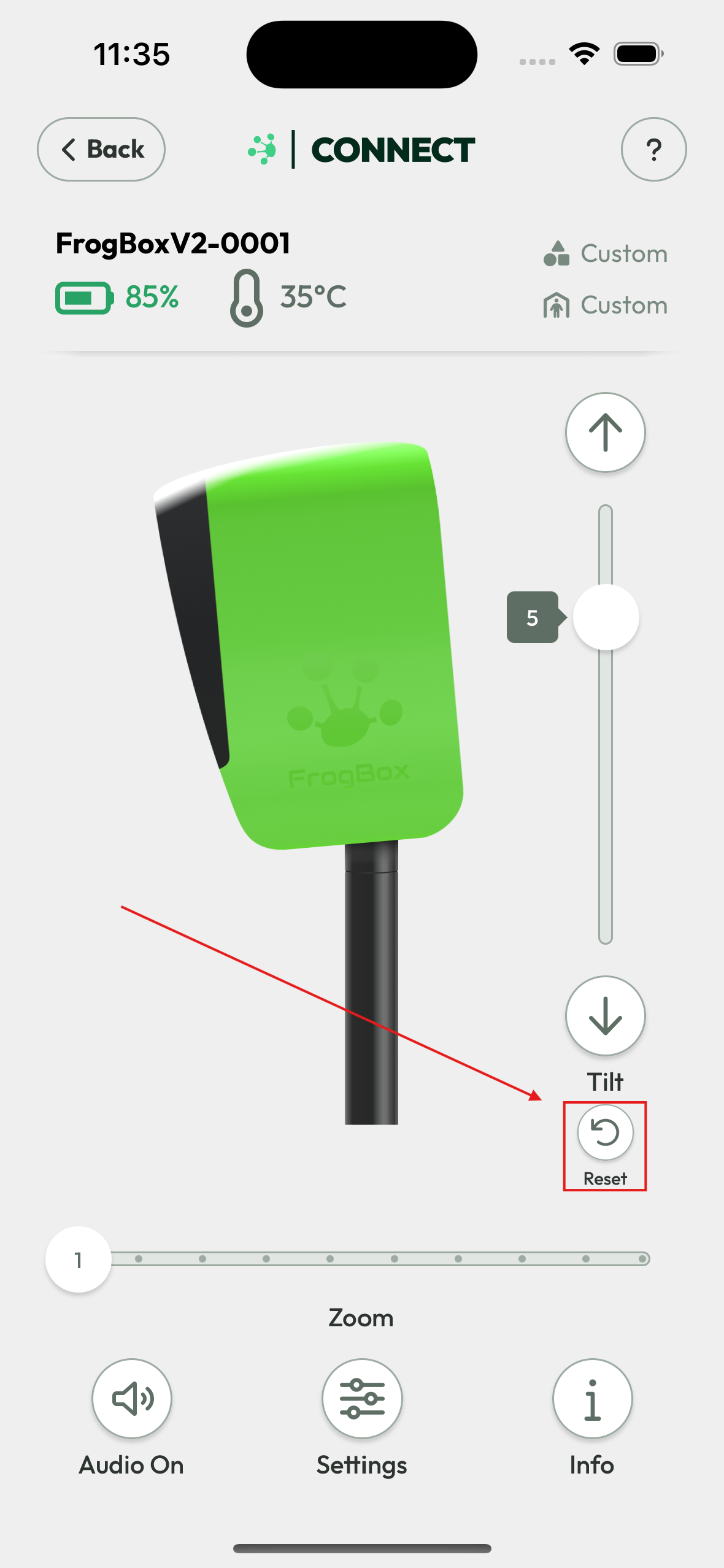
If the tilt control feature in the FrogBox Connect app is not responding because the camera has been forced downward by hand, gently apply pressure to the camera visor while pressing the Reset button within FrogBox Connect. This will help return the camera to its neutral (no-tilt) position.
Step 1: Pair your phone/tablet with your camera via FrogBox Connect
Step 2: Gently apply pressure to the camera visor.
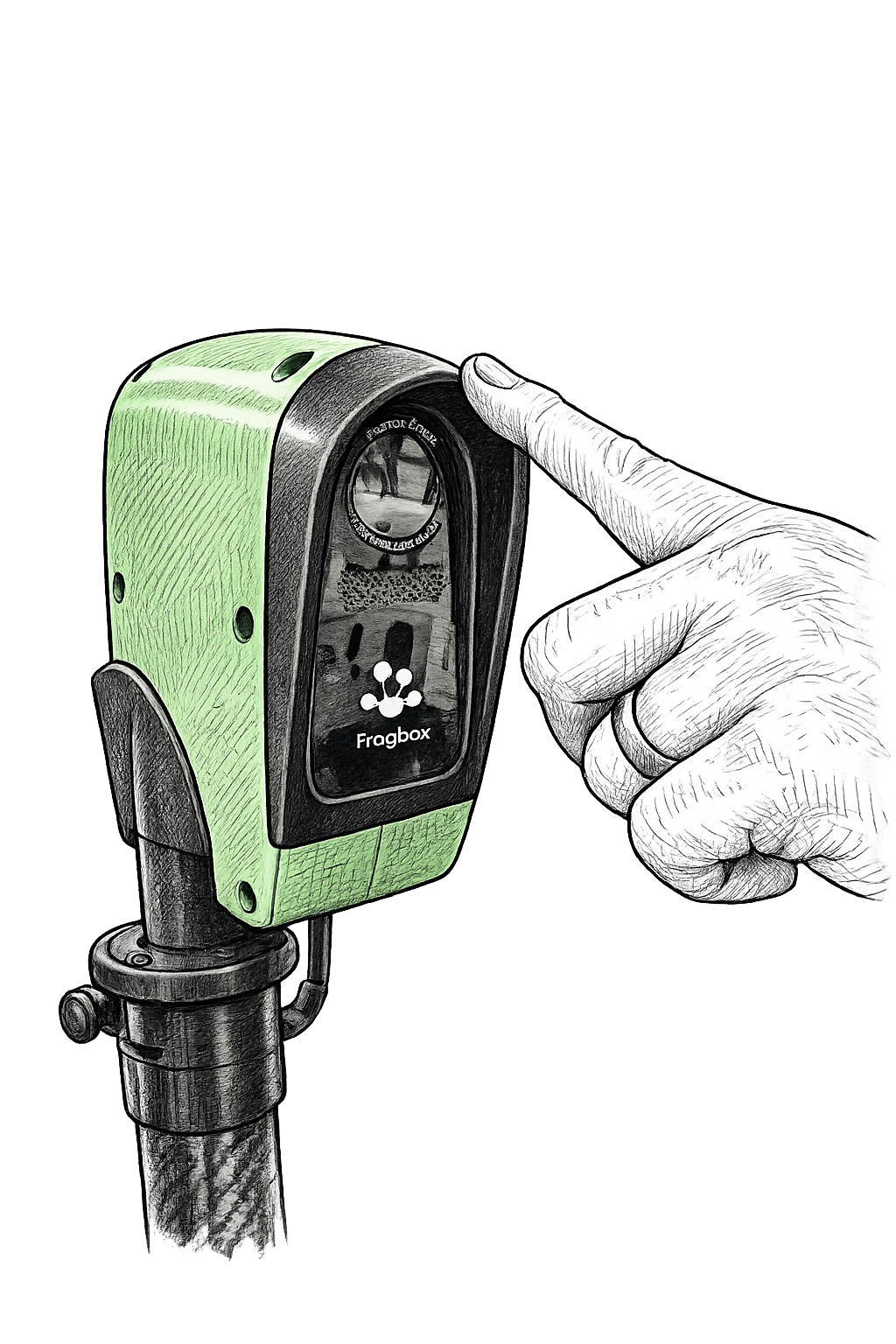
Step 3: While applying the pressure in the above step, press the Reset button in the FrogBox Connect app.