
What you'll need
To stream using your existing camera, you’ll need to supply the following:
Your Existing Camera
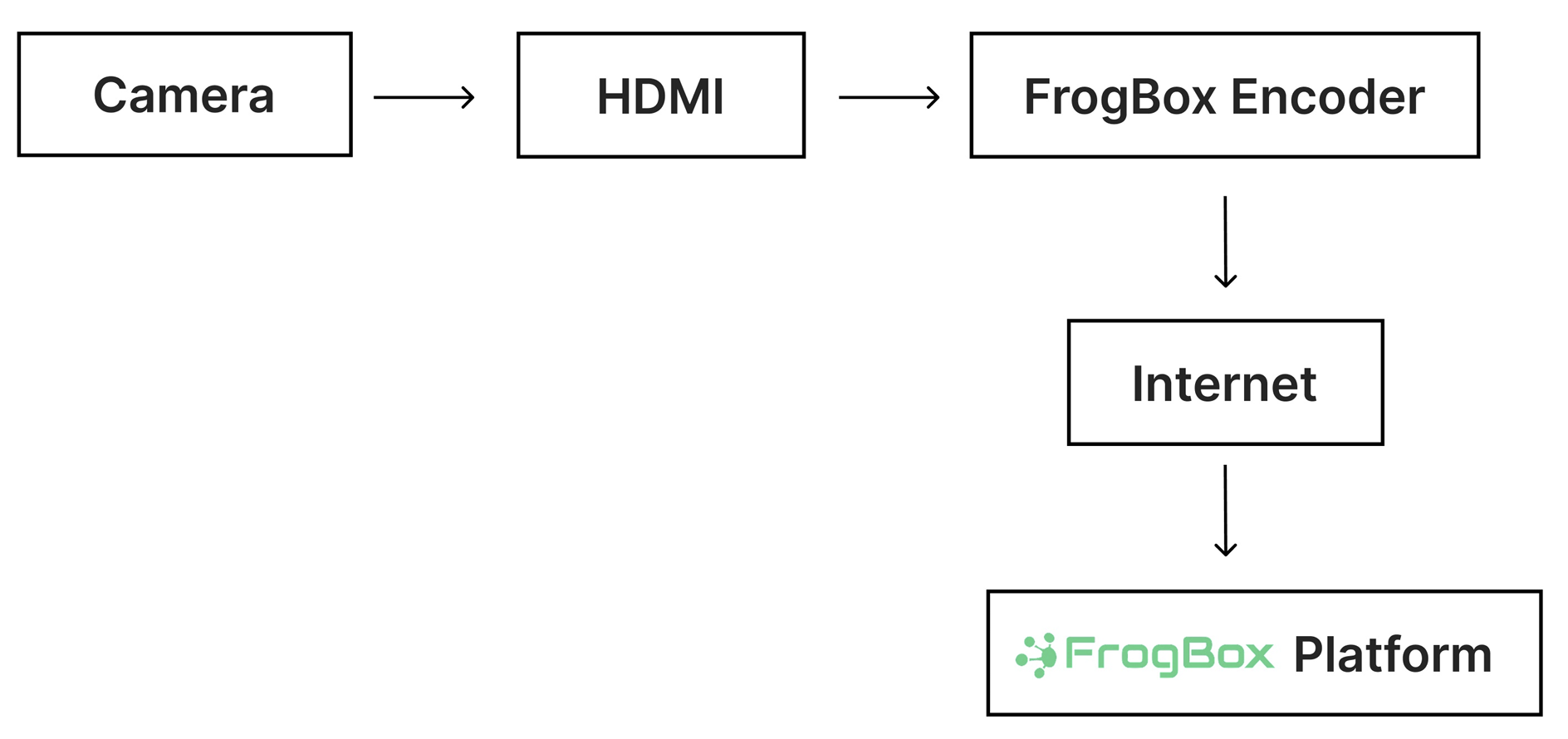
Use an existing camera with an HDMI output. The FrogBox Encoder supports a wide range of camera setups, including fixed cameras, PTZ cameras, camcorders, broadcast cameras and existing venue camera systems.
Your FrogBox Encoder
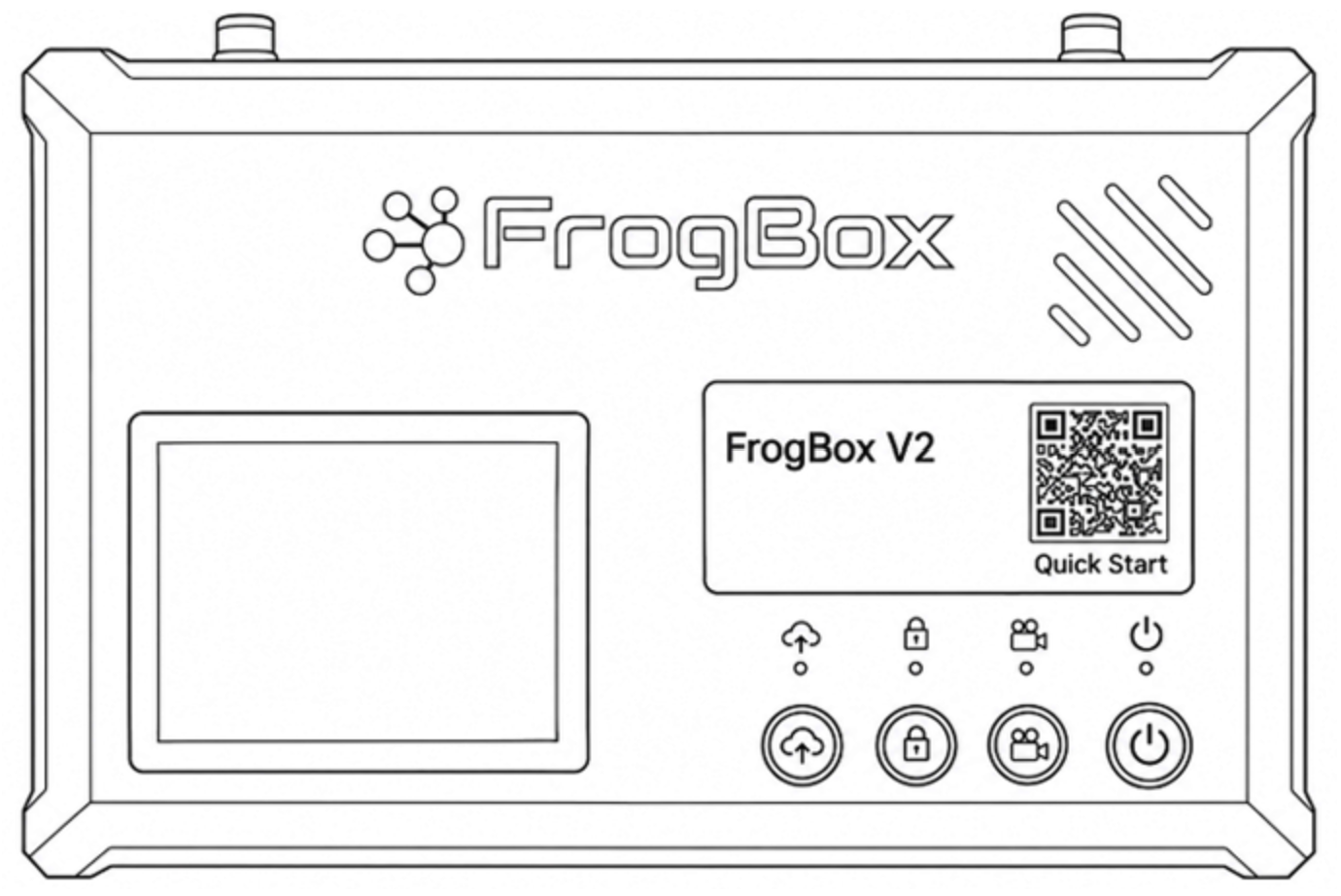
Your FrogBox Encoder includes the encoder, aerials and charger. It processes your camera's video feed and sends it to the FrogBox platform for reliable live streaming.
An HDMI Cable
You'II need to supply your own HDMI cable to connect your camera to the FrogBox Encoder.
A Reliable Internet Connection
Connect the FrogBox Encoder to the internet via Wi-Fi, Ethernet or a 4G SIM.
FrogBox Go & FrogBox Play
Your club will use FrogBox Go to set up your club and sponsor logos, brand your FrogBox Play Club Channel, schedule and manage your live streams, and access support. FrogBox Play is where your live streams, replays and video content are brought together for your community to watch and enjoy
An Active FrogBox Streaming Plan
Your club will need an active Pay As You Go or Annual plan. If you're an existing customer, you should already be on a plan. If you're new to FrogBox, you can learn more here: Sports Live Streaming
The set up is simple:
What FrogBox Provides
FrogBox Go
Your club’s streaming portal, where you’ll set up your club and sponsor branding.
FrogBox Play
Where your community can watch your live streams and replays through your club’s dedicated Club Channel.
START HERE: First, activate your FrogBox Go account. Second, set up Frog Box Go for mobile streaming Lastly, download FrogBox Go Lite and start scheduling your matches.